
The popular image of hacking is someone in a dark room cracking encryption, racing a progress bar, breaking through a firewall by sheer brilliance. It makes for good television. It’s also almost never what happens.
The reality is far more boring. Most attackers aren’t breaking anything. They’re scanning the internet for known weaknesses that already have a fix, and walking in wherever that fix hasn’t been applied yet. They don’t pick targets so much as pick openings. If your device is the one with the missing patch, the unlocked screen, or the unencrypted drive, you’re the opening.
That sounds grim, but it’s actually the best news in security. If the problem were attacker genius, you couldn’t do much about it. Because the problem is mostly skipped basics, the fix is squarely in your hands.
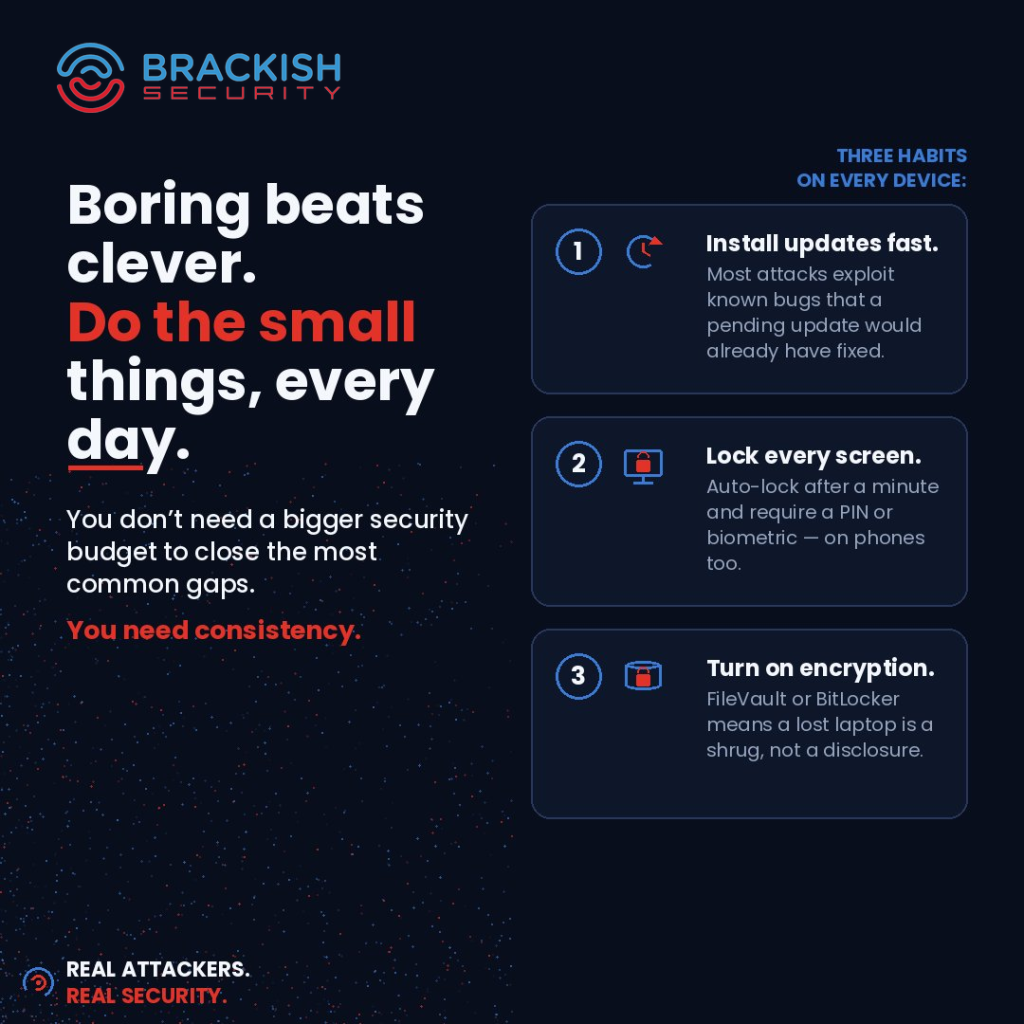
Here are the three habits that close most of the gap on any device you own.
1. Install updates fast
Every software update is two things at once: a list of new features, and a public announcement of the bugs it fixes. That second part is the catch. The moment a patch ships, the flaw it addresses is effectively published, and attackers move quickly to exploit the window before everyone updates.
This is why “I’ll do it later” is more dangerous than it feels. The update you keep postponing is often closing the exact hole being exploited in the wild that week. Postponing isn’t staying neutral; it’s choosing to stay exposed.
The fix is to stop treating updates as interruptions and start treating them as the cheapest security control you have. Turn on automatic updates everywhere you can: operating systems, browsers, phones, and apps. When something does need a manual restart, do it the same day rather than dismissing the prompt for the fifth time. A reboot at an inconvenient moment is a far better outcome than a breach at a worse one.
2. Lock every screen
An unlocked device is an open door to everything behind it: saved logins, email, messages, files, and access to every service it stays signed into. Physical access tends to mean total access, and devices get lost, stolen, or simply left unattended far more often than people plan for.
Set your devices to auto-lock after a short idle period, and require a PIN, password, or biometric to get back in. A minute is reasonable for most people. Crucially, this applies to your phone, not just your laptop. Phones hold just as much sensitive access and are far easier to misplace, yet they’re the device people most often leave on a long, forgiving lock timer or no lock at all.
It’s a small friction for you and a large wall for anyone else. That trade is almost always worth it.
3. Turn on encryption
Updates and screen locks protect a device you still have. Encryption protects the data when the device is gone.
Full-disk encryption (FileVault on macOS, BitLocker on Windows, and the encryption that’s on by default on modern phones) scrambles everything on the drive so it’s unreadable without your credentials. The practical effect is dramatic: a lost or stolen laptop goes from being a potential data disclosure to being an expensive paperweight. The hardware is gone, but the data on it stays locked.
On most modern machines this is a setting you turn on once and never think about again, with no noticeable impact on day-to-day use. If you’ve been meaning to check whether it’s actually enabled, that two-minute verification is one of the highest-value things you can do this week.
Why boring wins
None of this is clever, and that’s exactly the point. There’s a temptation to treat security as something that calls for sophisticated tools and occasional heroics. But the threats most people and small organizations actually face aren’t sophisticated. They’re opportunistic. They reward consistency, not cleverness.
Boring, repeated hygiene beats brilliant, occasional effort every time, because attackers aren’t looking for a worthy challenge. They’re looking for the easy opening. Close the easy openings, and most opportunistic attacks simply move on to someone who didn’t.
So the question worth sitting with isn’t “do I have the right security tools?” It’s smaller and more honest: which of these three have I been putting off? The update I keep dismissing, the phone I never set to lock, the encryption I assume is on but never checked. Pick the one you flinched at while reading. That’s the one to do today.