
Before we go on. What is DNS Dumpster?
DNSDumpster is a free, web-based reconnaissance tool that collects and visualizes publicly available DNS information about a domain.
Instead of manually querying DNS records or running multiple tools, DNSDumpster aggregates data like:
-
Subdomains
-
IP addresses
-
Name servers
-
Mail servers
It’s a fantastic tool and is hosted at dnsdumpster.com
Before I ever touch a target environment, run a scanner, or send a payload—I start here:
DNSDumpster
It’s one of the simplest tools available, but also one of the most effective.
I use it for:
- OSINT
- Recon before speaking with a client
- Passive footprinting during red team engagements
And the reason is simple:
It gives you a high-level map of an organization’s external attack surface in seconds.
Let’s walk through how this actually works using a real-world example:
brackish.io
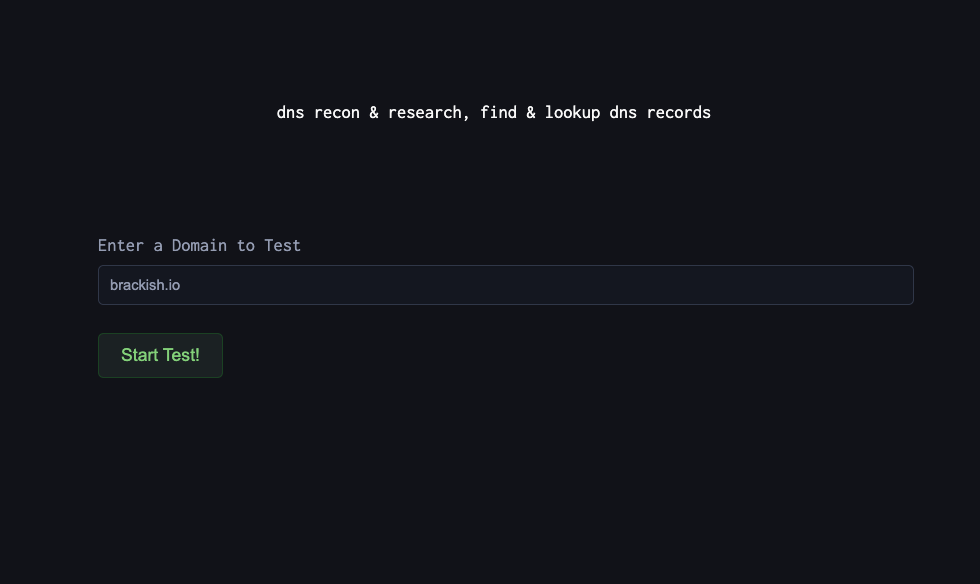
Drop in the target domain
Go to DNSDumpster and enter:
brackish.io
Within seconds, you get a structured report.
- No credentials.
- No access.
- No alerts triggered.
Subdomains: The Real Attack Surface
This is where things get interesting.
DNSDumpster aggregates subdomains from multiple sources and presents them in one place. As you can see in the screen shot below, we have a few subdomains of interest.
Typical patterns you’ll see:
- api.brackish.io
- app.brackish.io
- dev.brackish.io
- staging.brackish.io
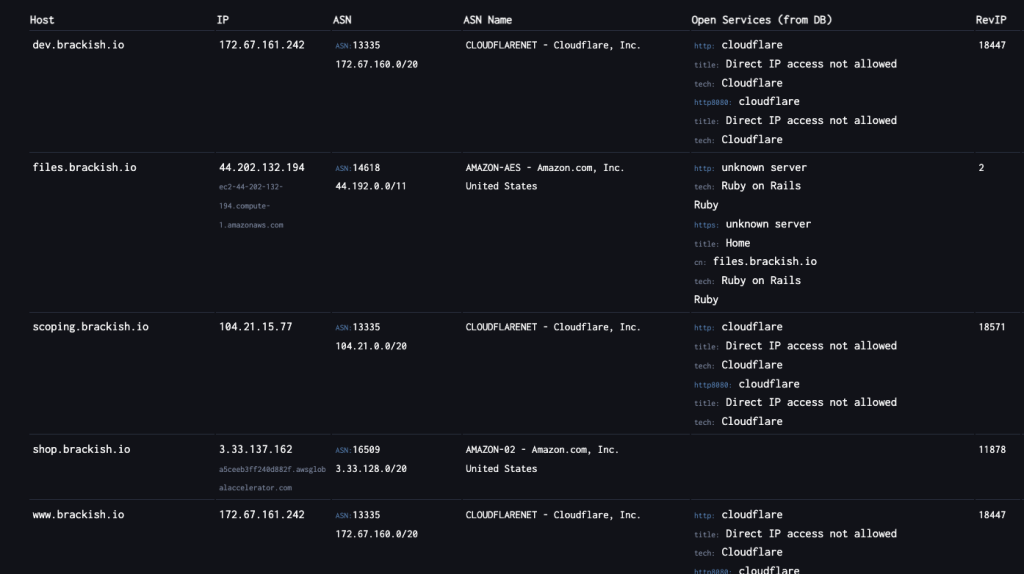
Subdomains are where most real-world issues live.
They often include (which we frequently on external pen tests):
- Dev or staging environments
- Forgotten applications
- Services that never went through security review
In many engagements, this is where initial access comes from.
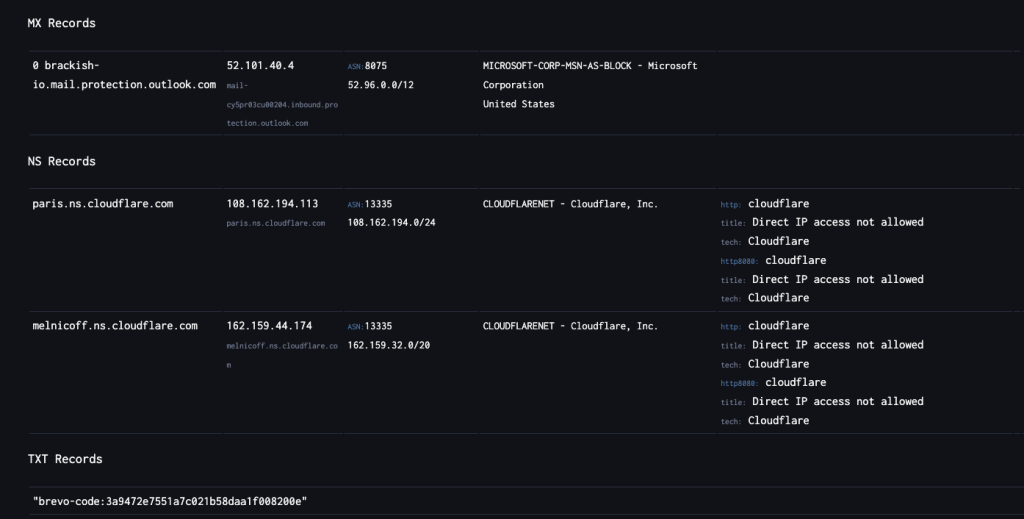
DNS Records Tell a Bigger Story
DNSDumpster doesn’t just list subdomains—it gives context.
A Records
Map domains to IPs → helps identify infrastructure and hosting
MX Records
Reveal email providers → useful for phishing and targeting
NS Records
Show who controls DNS → Cloudflare, AWS, etc.
TXT Records
Expose integrations → SPF, SaaS platforms, verification records
Individually, these are small details.
Together, they form a clear picture of how the environment is built.
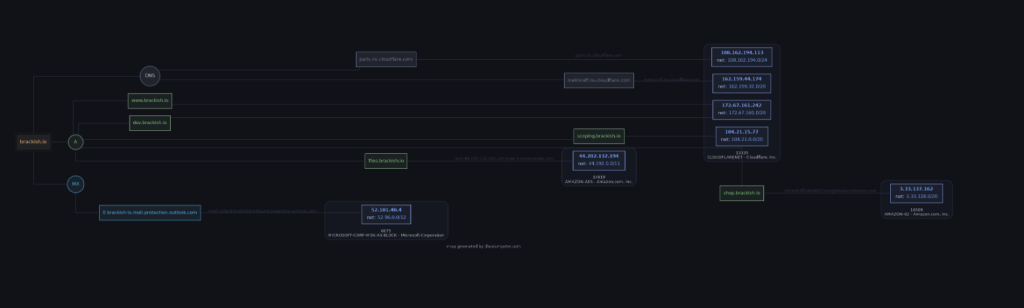
The Network Map
The most powerful feature is the visual map.
Instead of raw output, you get a relationship diagram showing:
- Domains
- Subdomains
- IP addresses
- How everything connects
This is where DNSDumpster stands out.
You can quickly:
- Identify central infrastructure
- Spot clusters of related systems
- Prioritize targets
Here’s the truth:
Attackers already do this.
If your DNS footprint is messy, outdated, or overly exposed, it becomes:
- A roadmap
- A target list
- A starting point for exploitation
Defensive Takeaways
If you want to reduce risk, start here:
Know Your Subdomains
If it exists publicly, it’s in scope for attackers.
Remove What You Don’t Need
Old entries = unnecessary exposure.
Be Intentional with Naming
“dev”, “test”, and “admin” are obvious targets.
Monitor Your External Footprint
Run DNSDumpster against your own domain regularly.
Treat DNS as Part of Your Attack Surface
Because it is.